
I have already installed SQL Server 2017 and tested connection through command line in previous posts. I will be installing SSMS in this post. This is a great tool for Administration and Monitoring of SQL Server Databases and Azue SQL Databases.
To download SSMS, click on below URL:
I am installing SSMS 18.2. Follow the instructions and screenshots as below:
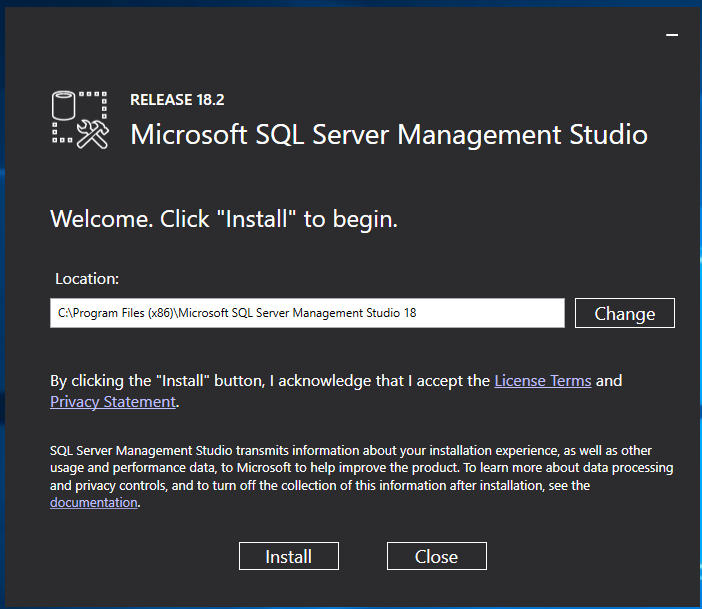
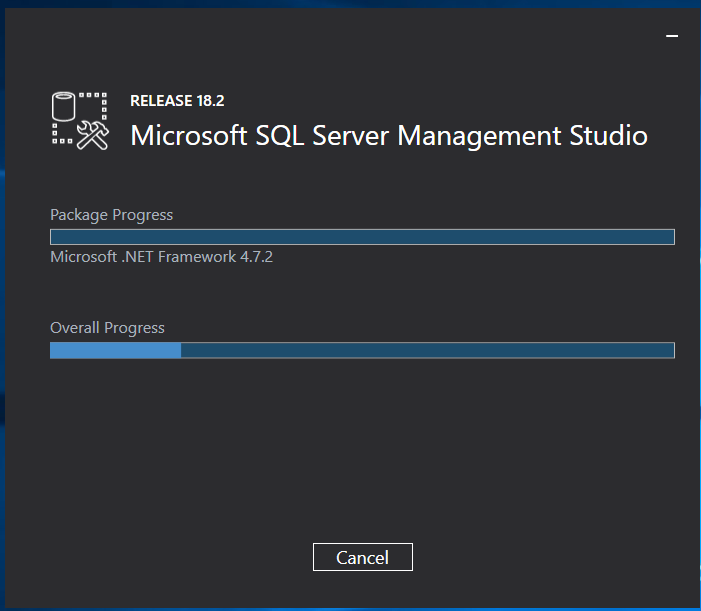
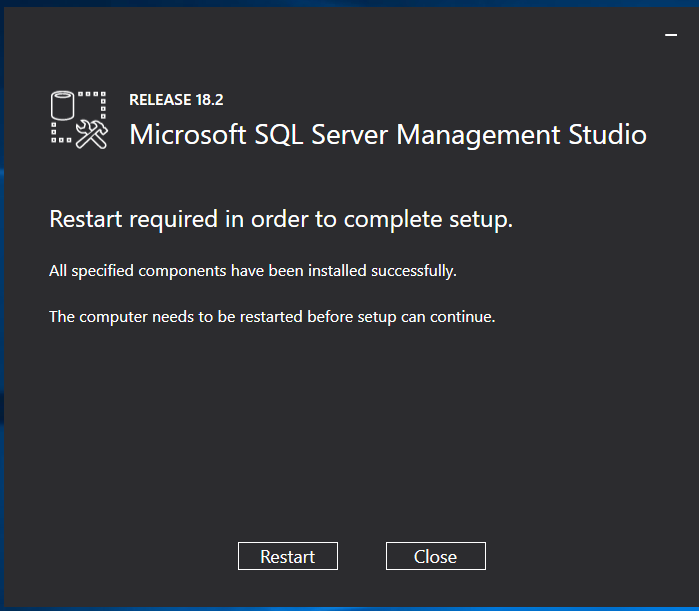
Go to Start Menu on your machine and launch Microsoft SQL Server Management Studio.
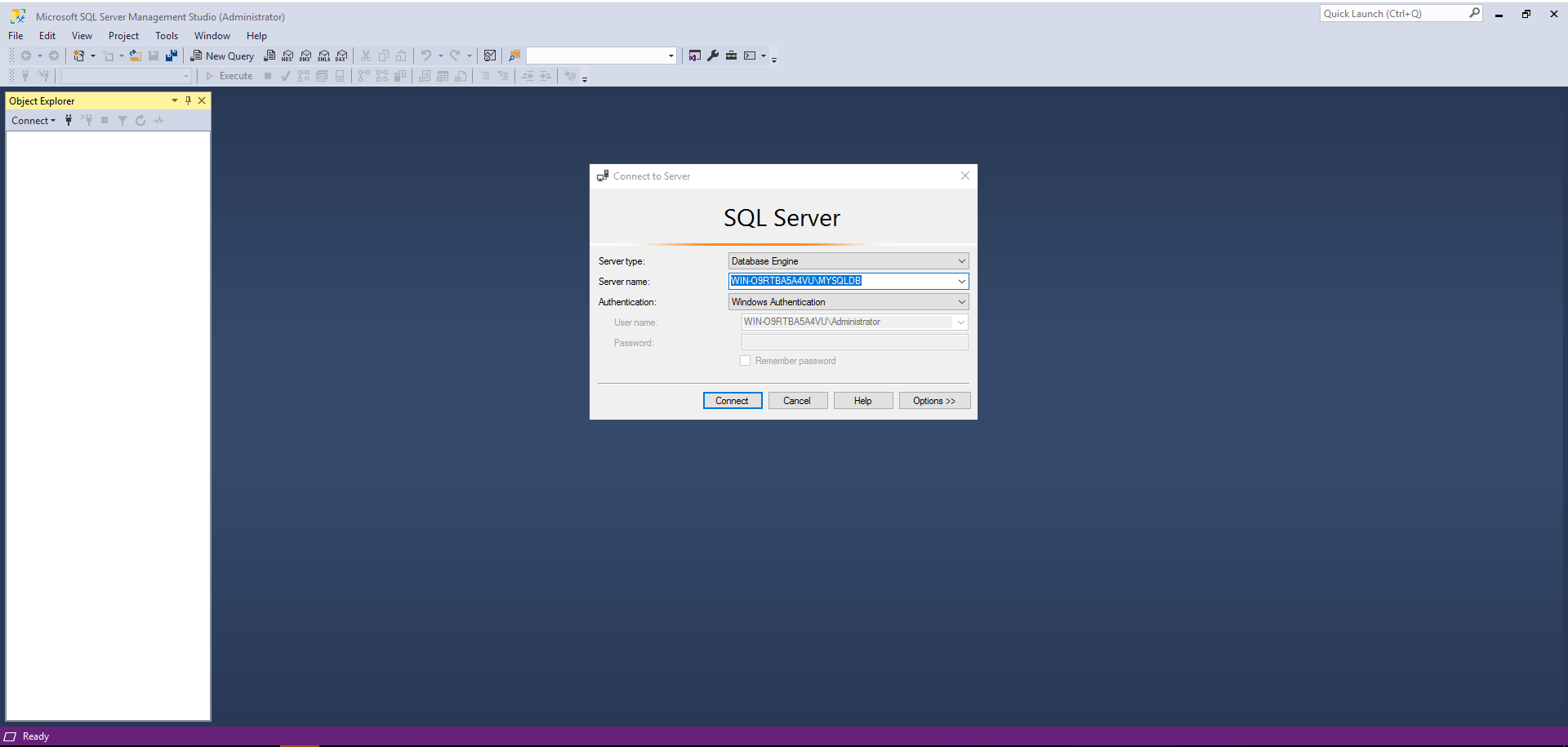
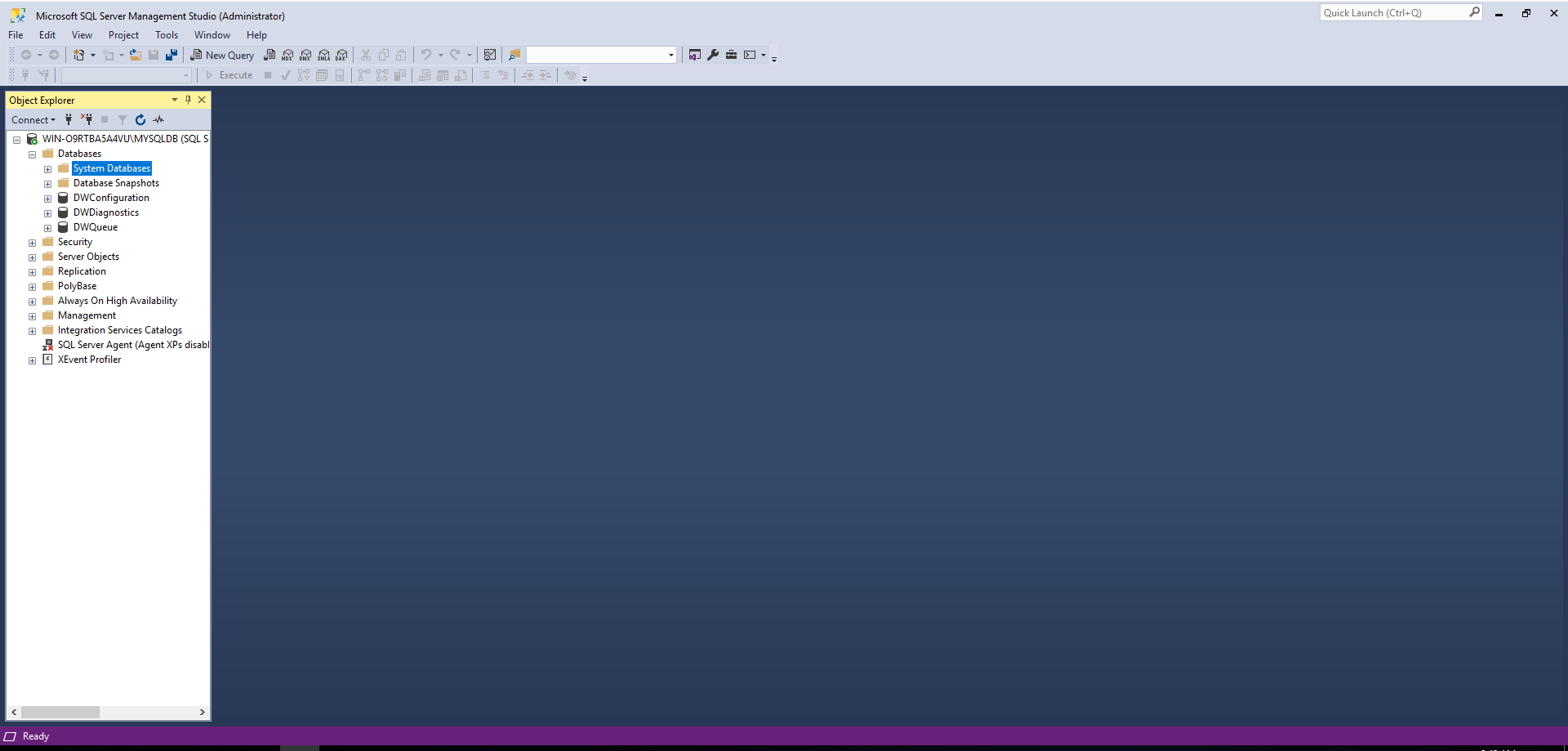
The IDE for SQL Server Management Studio is installed at C:\Program Files (x86)\Microsoft SQL Server Management Studio 18\Common7\IDE\ssms.exe
 Database Hustler